
Cosmetics
Capes, real 3D hats, auras and trails, all hand-picked by Awerial. Pick one of each in the new Cosmetics menu and everyone with the mod sees it. New ones show up without updating the mod.
 Awerial
Fabric mod · Minecraft 1.21.11
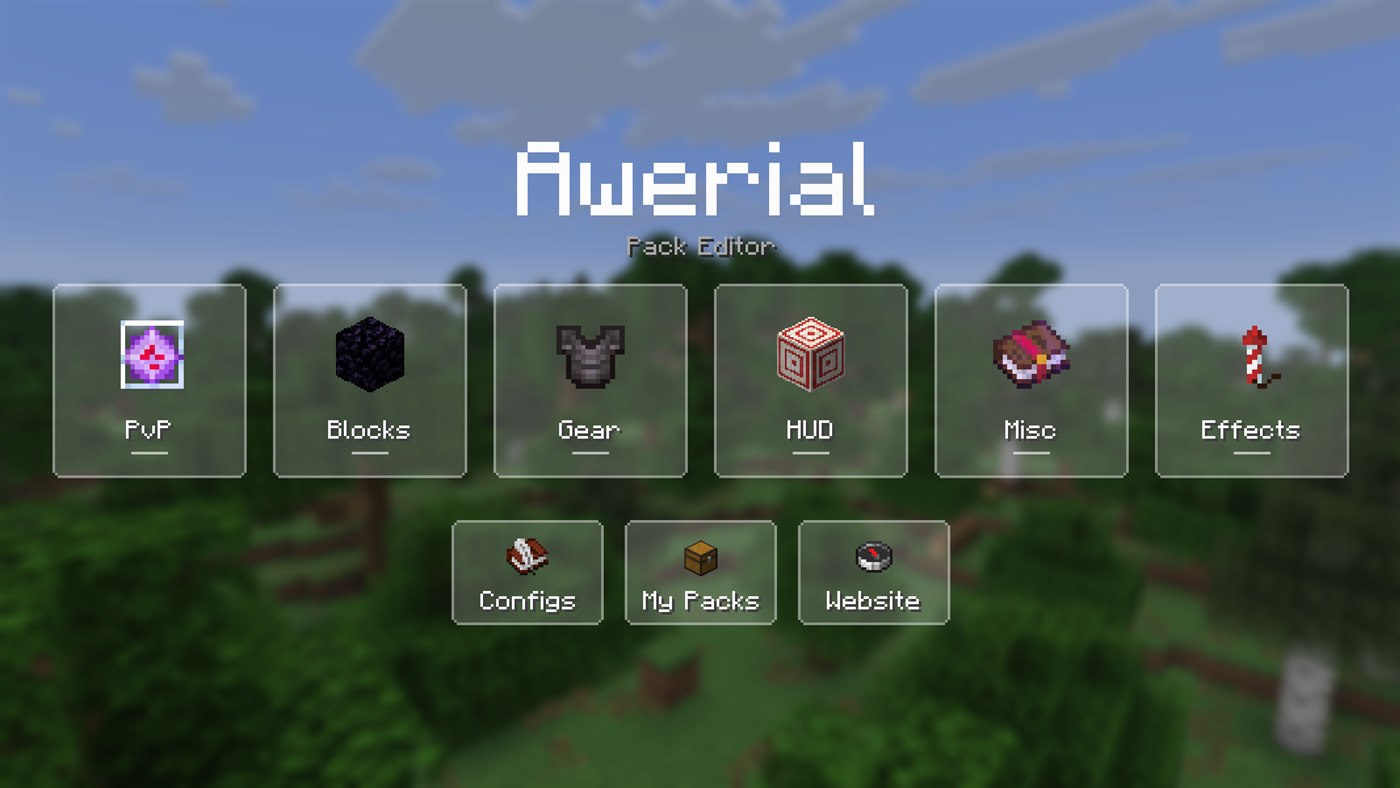
Mix and match crystals, totems, anchors, pearls, gear, fire, glint and more — from your favourite packs, 12 colour styles, or textures you draw yourself. Press O in game.
Needs Fabric Loader + Fabric API · v
1.45.7 is available for every supported Minecraft version. All previous compatibility fixes are included.
Click the hex colour in any drawing editor to type or paste a colour, with normal Ctrl+C and Ctrl+V. Respawn anchor drawings now have separate tabs for 1, 2, 3 and 4 charges, alongside the existing face tabs. HUD > Crosshair adds Enemy Highlighting Colour with a colour picker and on/off switch: your normal crosshair colour returns as soon as you stop aiming at a player within melee reach.
Includes all the features from 1.45.0 below. Choose your Minecraft version when downloading.
Capes, real 3D hats, auras and trails, all hand-picked by Awerial. Pick one of each in the new Cosmetics menu and everyone with the mod sees it. New ones show up without updating the mod.

Crowns, halos, top hats, witch hats, cat ears, devil horns and more. Real models, not items stuck on your head.
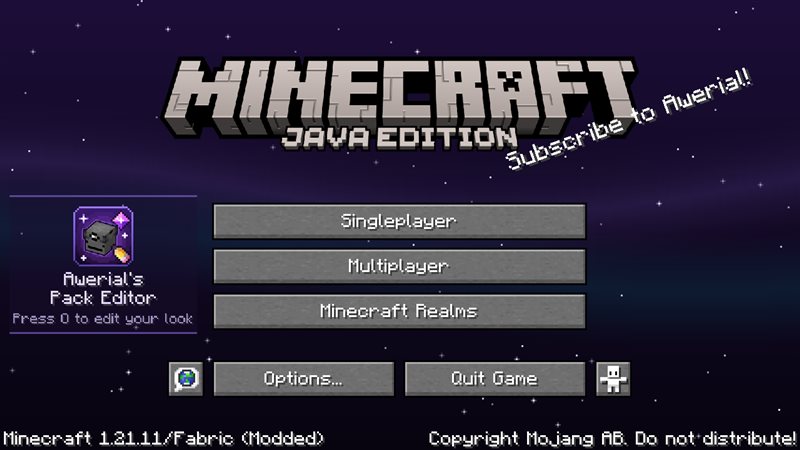
An animated night sky with stars and aurora waves, and new splash texts. Prefer vanilla? Turn it off in Effects.
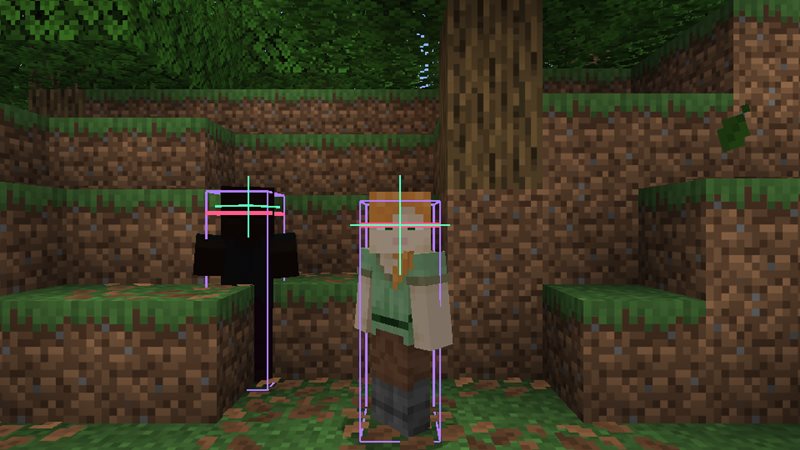
Recolour the F3+B hitbox, eye line and look arrow to anything you like, in Effects › Hitboxes.
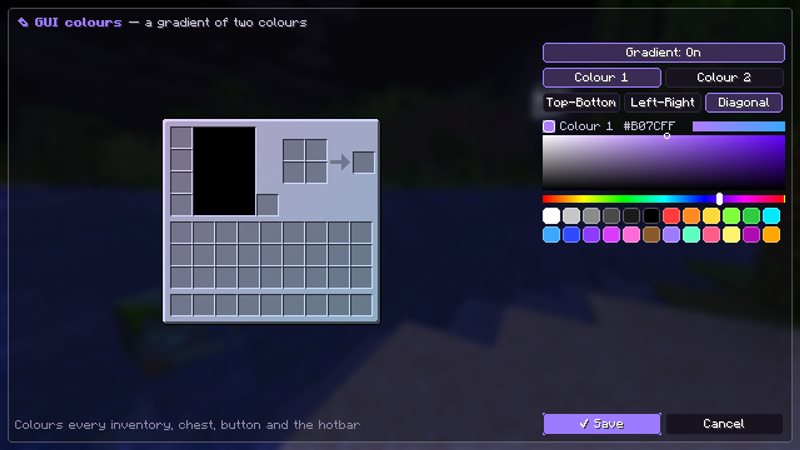
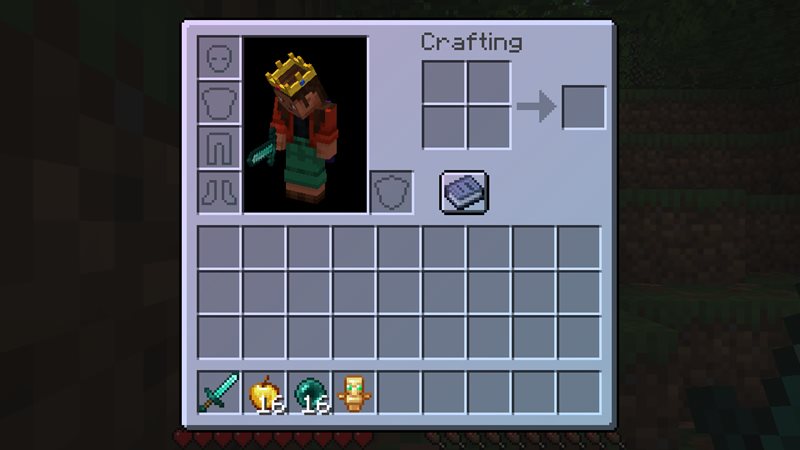
Recolour every inventory, chest and button in one colour or a two-colour gradient (top-bottom, left-right or diagonal) with a live preview.
The mod now checks for updates every time you launch the game and installs them when you close it. Download 1.45.3 once and you'll never need to re-download again.

End crystals, anchors, totems, pearls, gaps, shields, obsidian, glowstone, cobwebs (with opacity), fire, tools, armour, spears, mace and crosshair — each on its own.
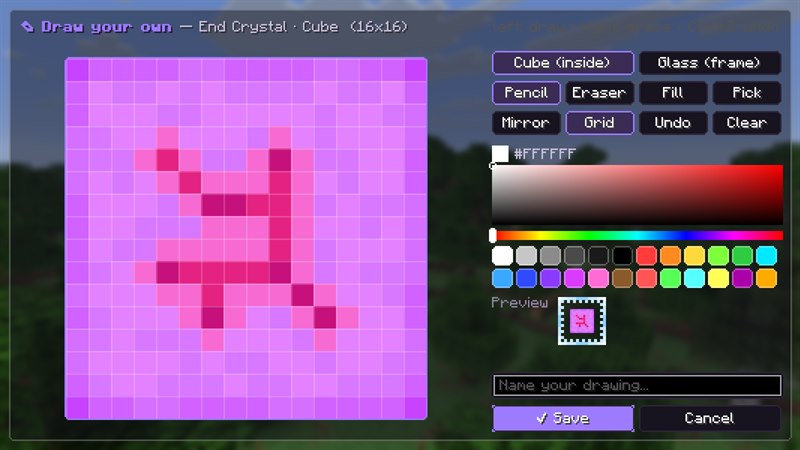
Hit the pencil to draw a texture pixel by pixel — even your own end crystal or respawn anchor. It shows up in your hotbar and in the world.
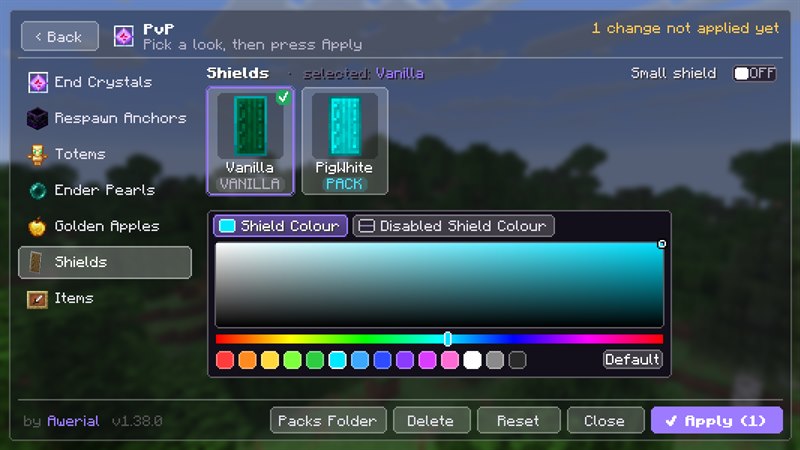
Small shield, Smaller GAPS, Smaller Pearls, Low fire, totem sizes with small pop, Legacy Glint, shield & disabled-shield colours and sky colours that work with any sky pack.

Save setups, switch between them in one click, and share your whole look as a short code like APE-AoU7p….
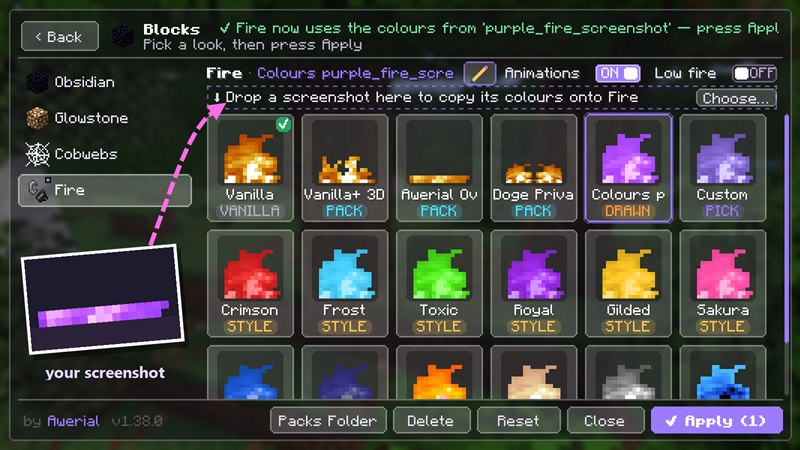
Found a pack with colours you love? Drag a screenshot of it onto the editor — into the box at the top of any tab — and the mod copies its colours onto that texture, keeping the shading and animation. Only the tab you drop it in changes. In Sky, drop any Minecraft picture (like an item png) and your sky takes its colour.
mods folder..minecraft/mods..minecraft/resourcepacks to get the same looks I use — or upload your own in the editor's My Packs.What's new in the mod, straight from Awerial.
Loading updates…
Setups from players. Copy a code, then in game press O → Configs → Paste Friend's Code.
Loading setups…
No reviews yet
Sign up and you'll get an email when a new version comes out. No spam, and you can unsubscribe any time.
Showcases, new looks and help.